Home searchers
Work with your agent
Bring your real estate agent into Roost to suggest places, schedule showings, and message you.
1
Add your agent
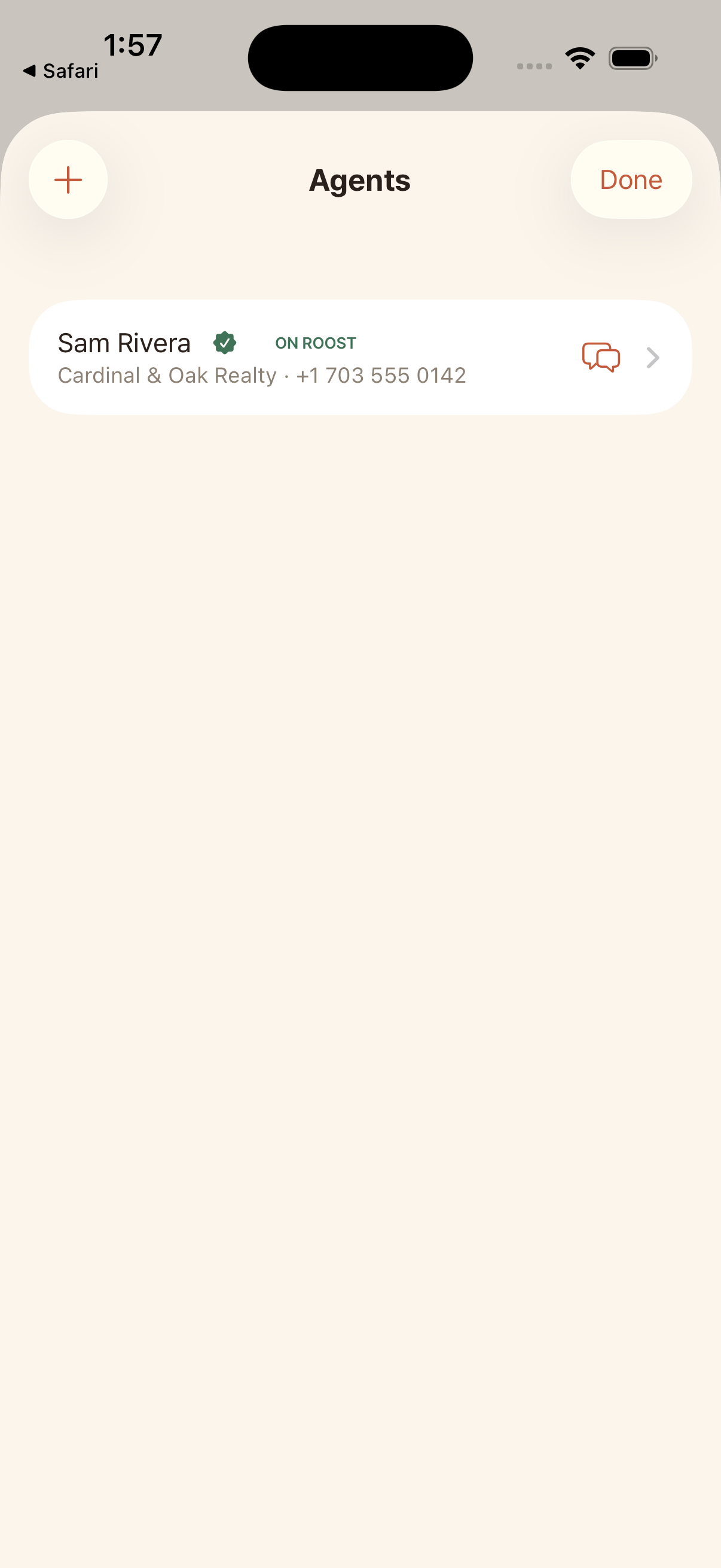
Open Agents from the menu and add the realtor you are working with (name, and their email or phone).
2
Invite them to Roost
Tap Invite to Roost. Roost creates a link you can text or email. Your agent installs the app, signs in, and connects to your search automatically.
3
Message them
Once they are on Roost, you see an On Roost badge by their name. Tap the message icon to chat in real time. You can attach a specific place or a file to any message.
4
Confirm showings
When your agent proposes a showing time, you get a notification and can confirm it. It then appears on your tour.