Home searchers
Plan tours and showings
Turn your shortlist into an efficient day of visits, with a map, drive-times, and showings.
1
Open Tour
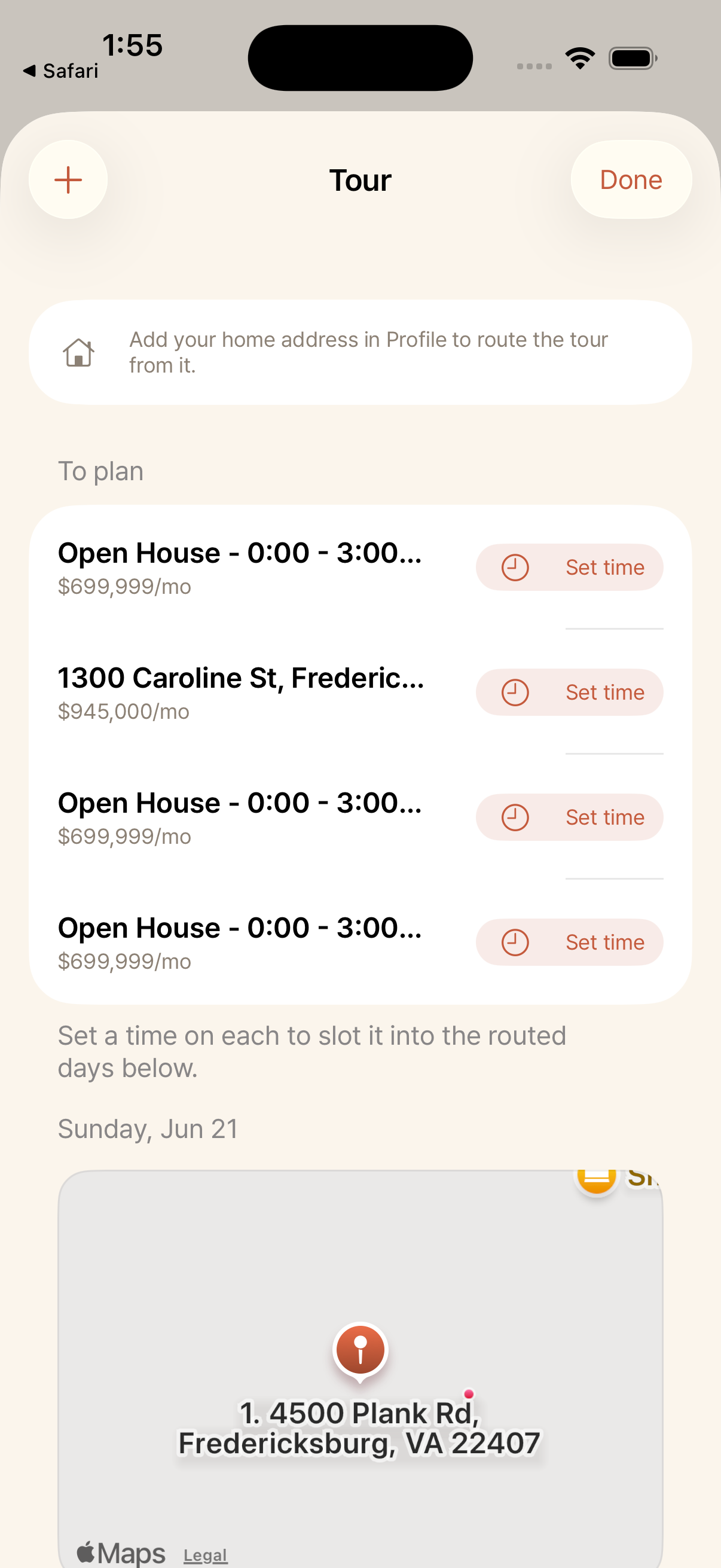
Tap the calendar icon. Places to see are grouped under To plan, and once timed they slot into routed days with a map.
2
Add places to a day
Add the places you want to see and set a time for each. Roost routes the day from your home address.
3
See the route
The map shows your stops in order with drive-times between them. If there is a long gap, Roost can suggest a coffee stop or another place to see nearby.
4
Schedule a showing
Schedule a visit yourself, or have your agent propose a time you confirm. Confirmed showings show up on your tour.