Agents
For agents
Work with all of your Roost clients in one place: see each search, suggest listings, propose showings, and message clients.
Your workspace
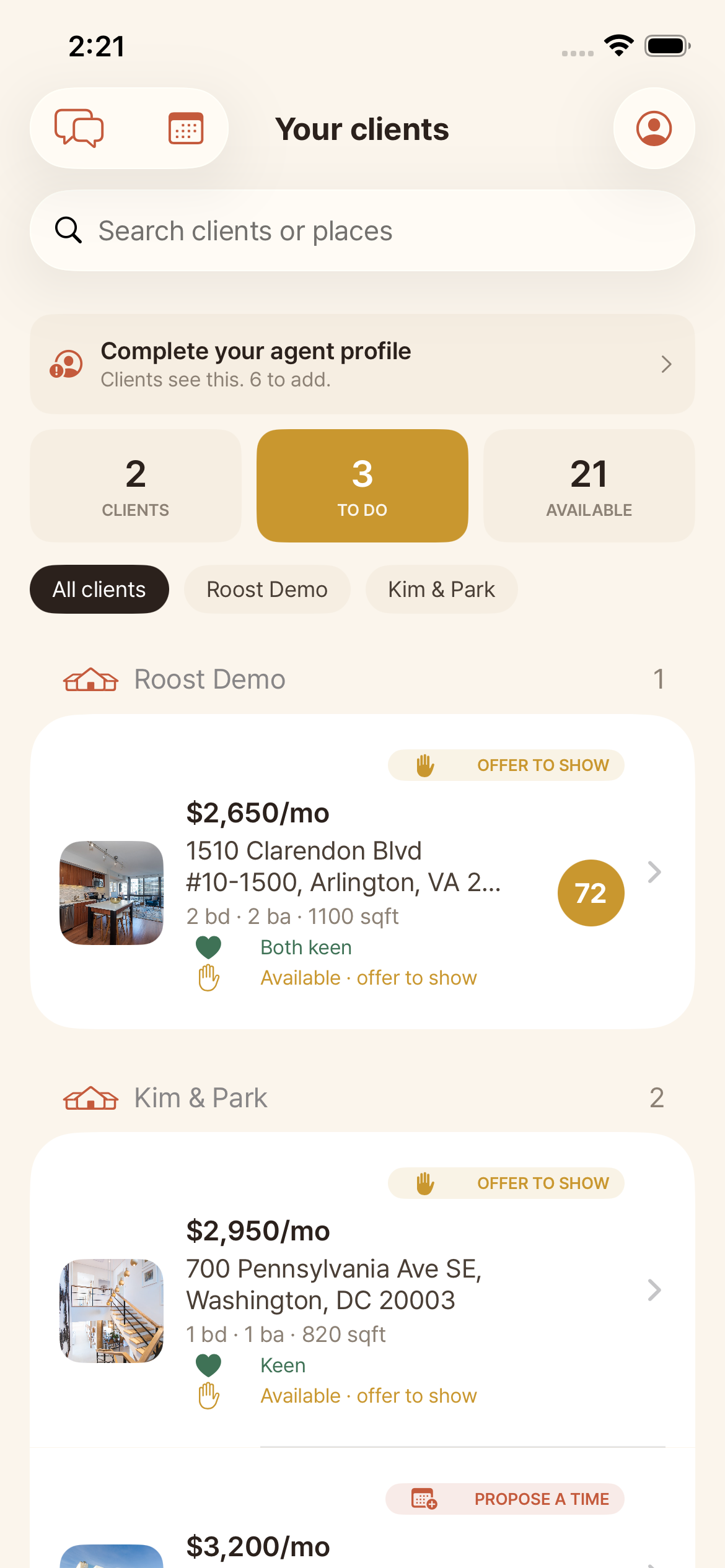
When a client adds you, their search appears here. The summary pills switch your view between To do, Clients, and Available. To do is cross-client and shows exactly what needs you: places to offer to show, and claimed places that need a showing time.
All your clients at a glance
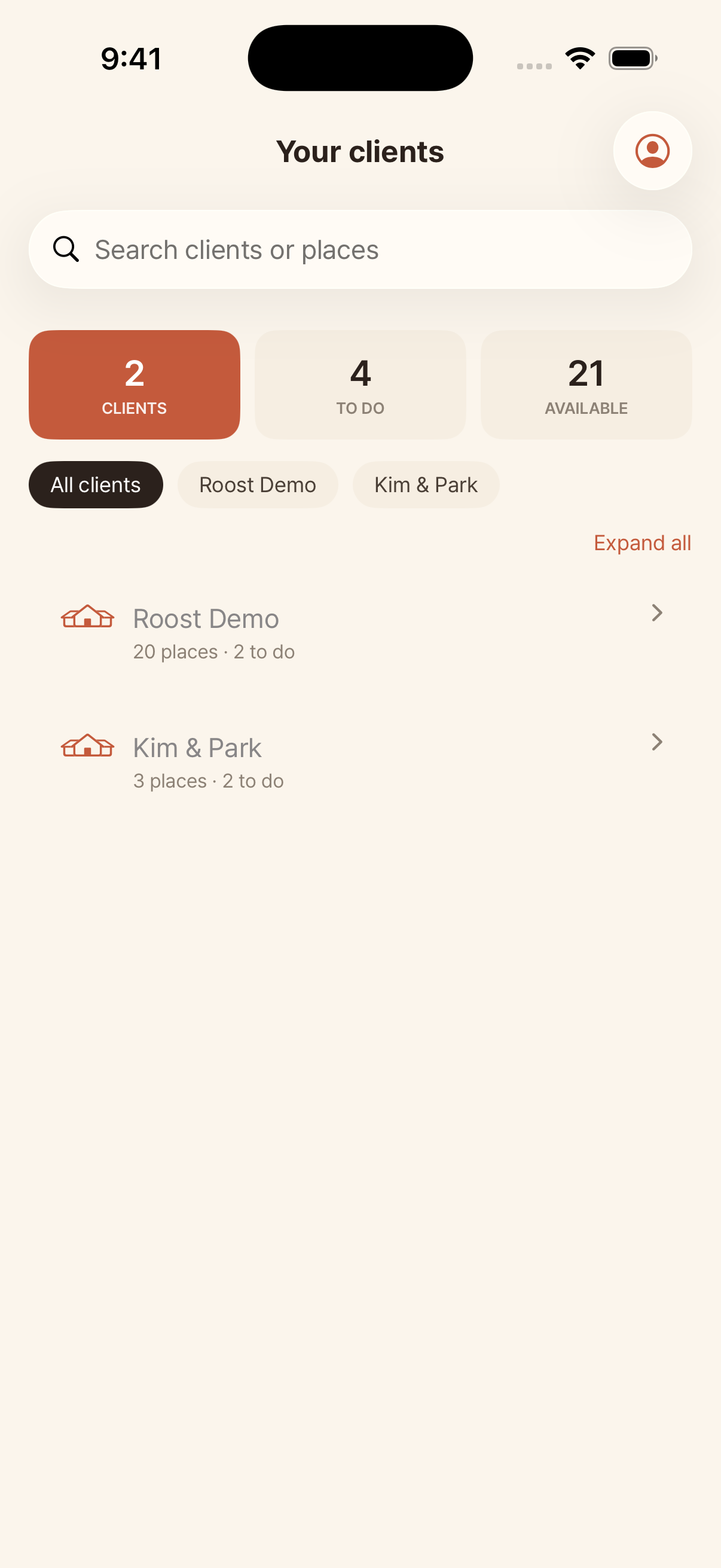
The Clients view lists every client as a collapsible card with a quick summary, so you can scan everyone and open the one you want. Use search and the client chips to filter.
Open a listing to act
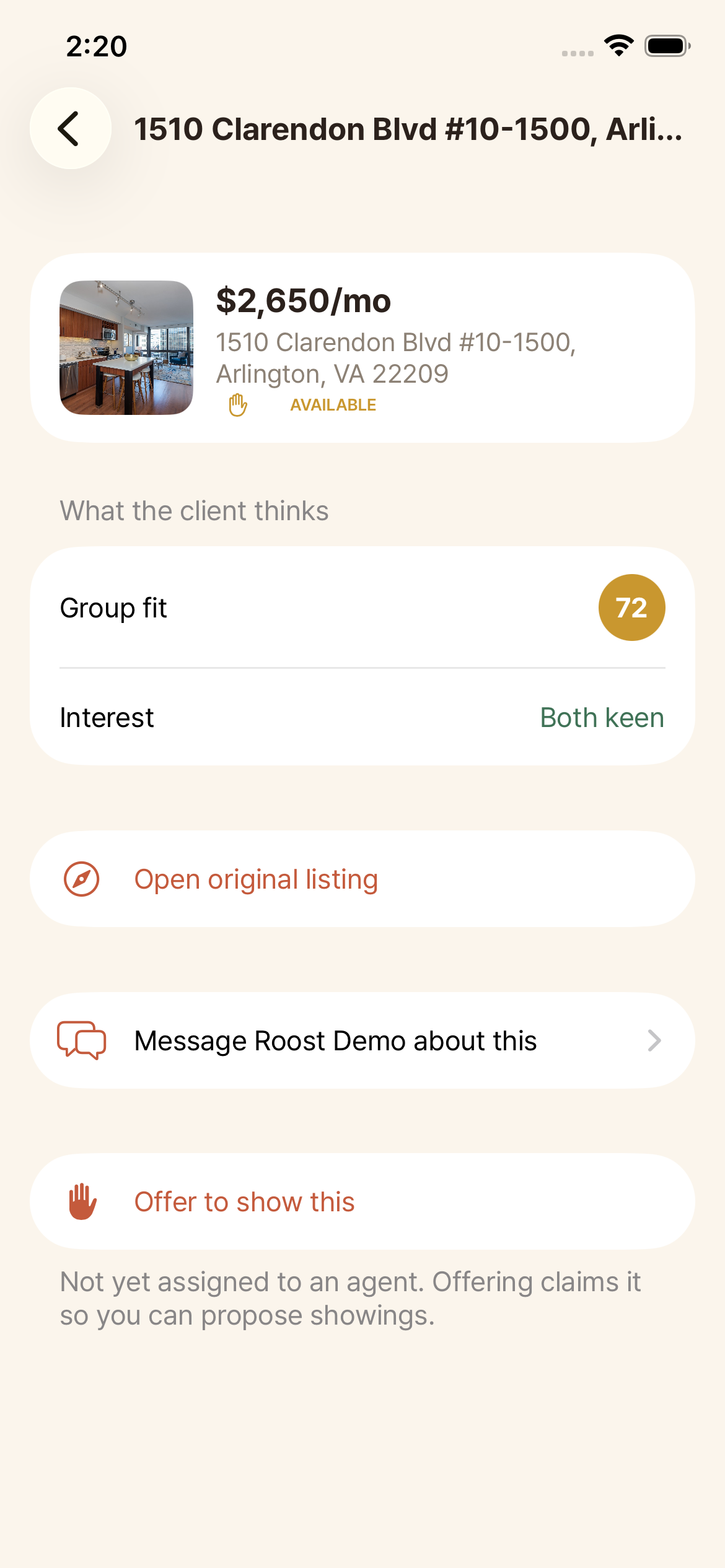
Tap a place to see what the client thinks (a coarse signal they choose to share), open the original listing, and either propose a showing or offer to show an unclaimed place.
See all your showings
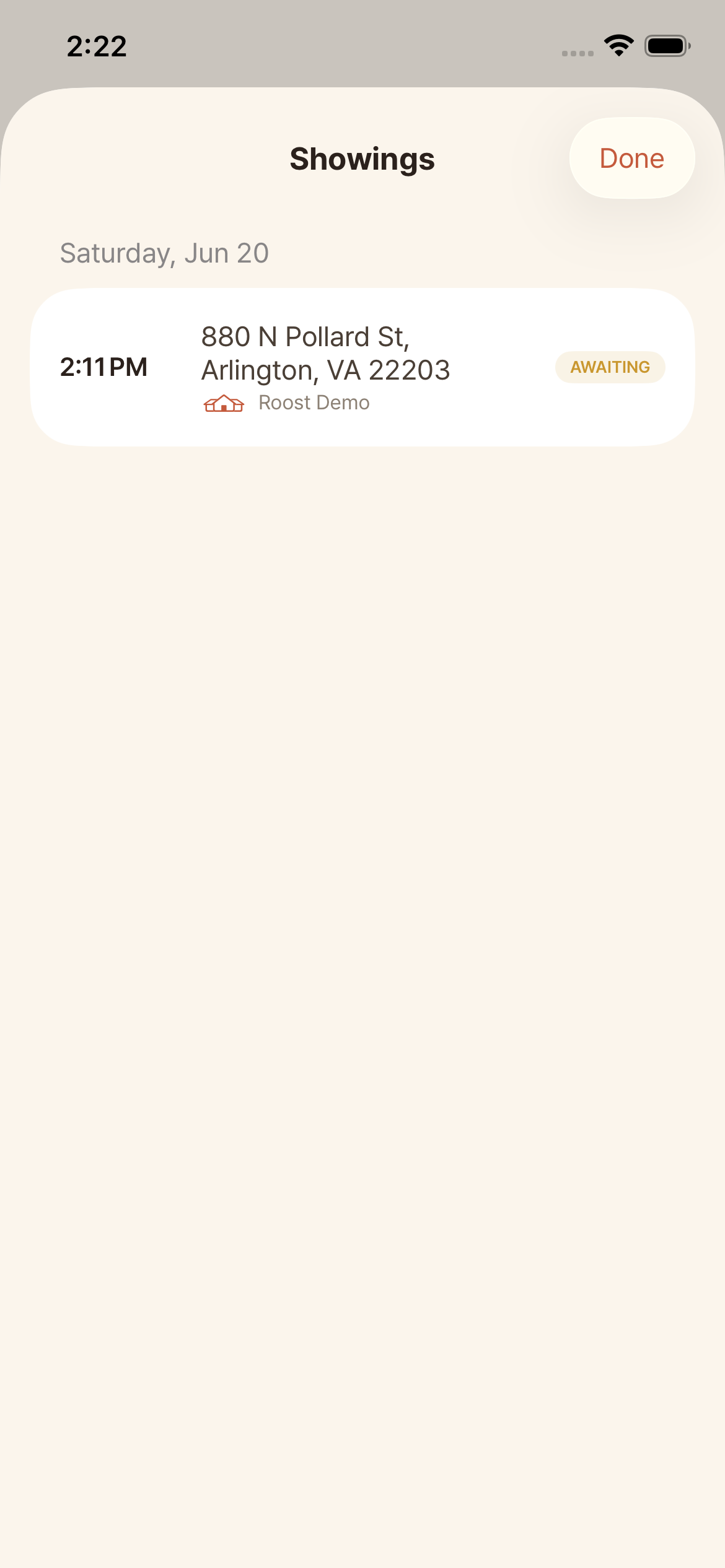
The calendar icon opens every upcoming showing across all your clients, grouped by day with the time, place, client, and status (confirmed or awaiting their confirmation).
Suggest places and message
Use Suggest a place to send a listing or address to a client. Message any client in real time from their card or the Messages hub. Tip: complete your agent profile so clients see your photo, brokerage, and bio.