Everyone
Messaging
Chat in real time with your agent or clients, and bring places and files into the conversation.
1
Open Messages
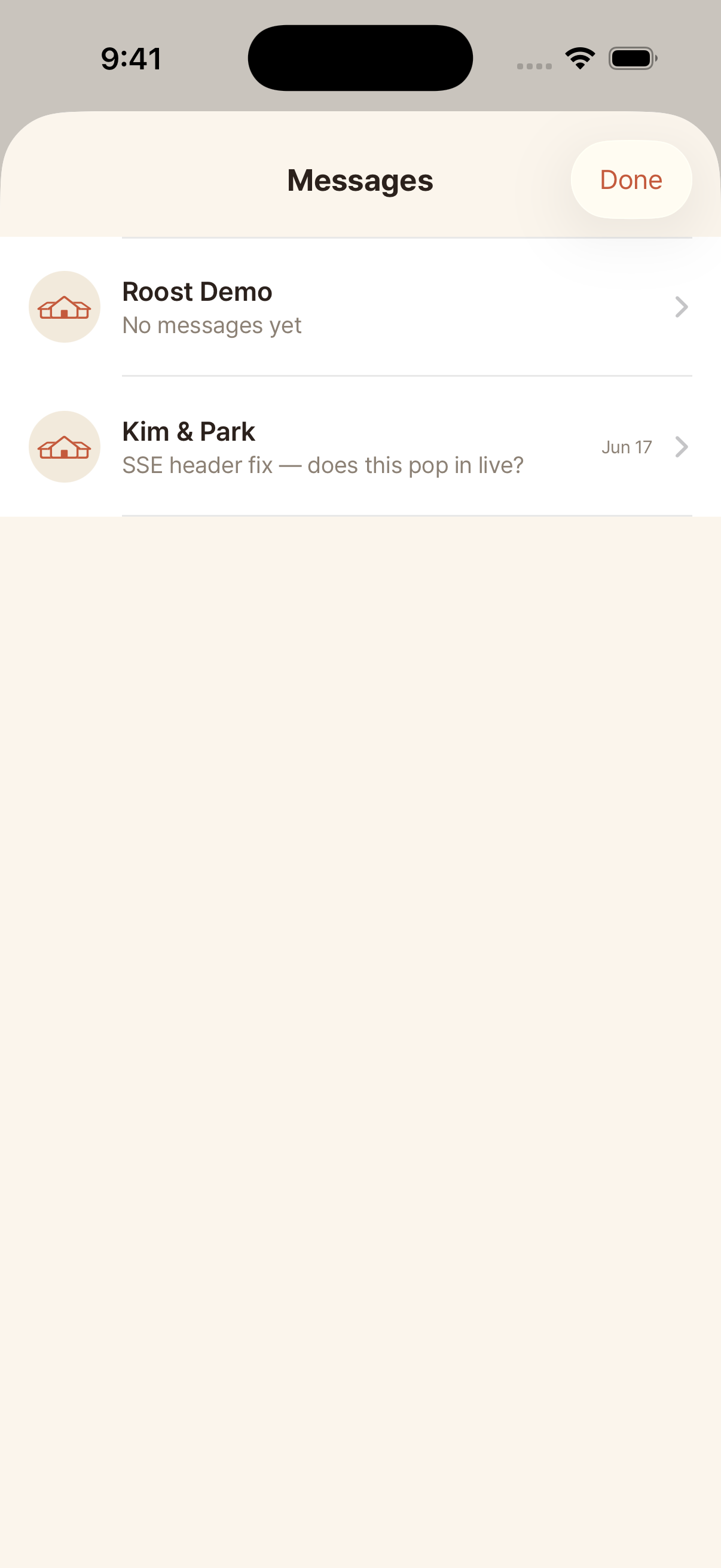
Open the Messages hub to see all your conversations, each with the latest message and an unread count, so you can jump to the right one.
2
Send a message
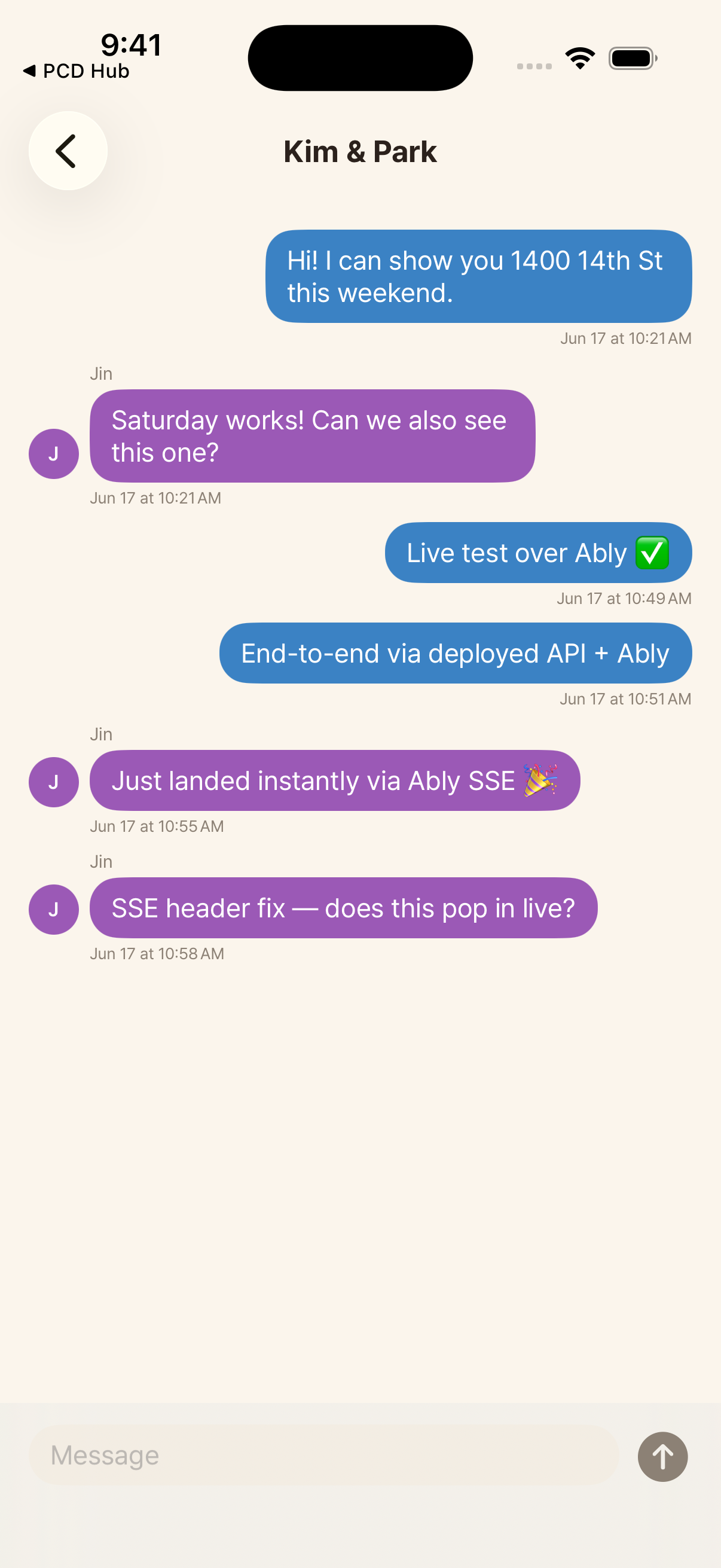
Open a conversation and type. Each person's messages show in their own color with their photo, so it is clear who said what.
3
Attach a place or file
Tap the plus to attach one of your places (it appears as a card you can tap) or to send a photo or PDF. Files are checked for safety on upload.