Everyone
Getting started
Download Roost, sign in, and set up your shared search in a couple of minutes.
1
Download Roost
Get Roost free from the App Store on your iPhone and open it.
2
Sign in
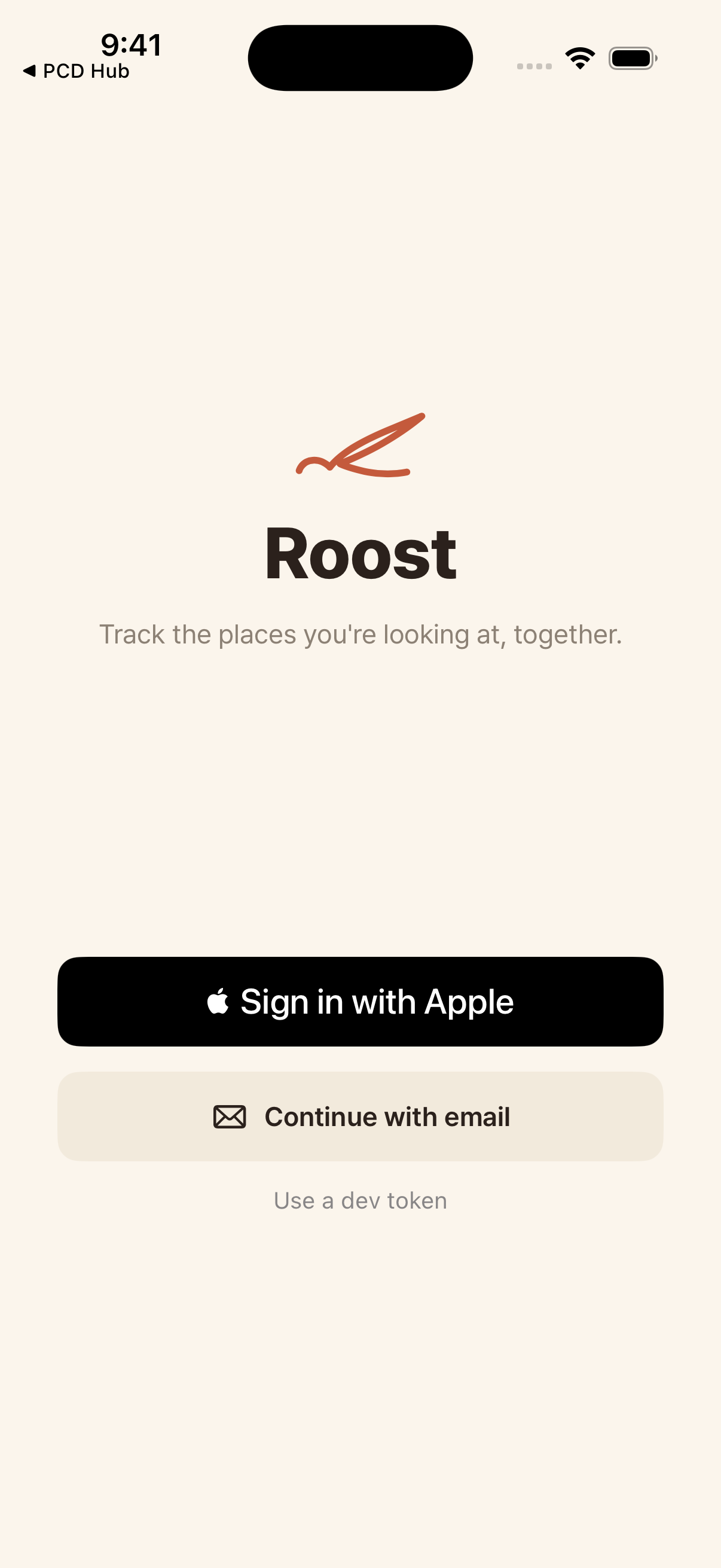
Tap Sign in with Apple, or choose Continue with email to get a one-time code. Your account is created automatically.
3
Create or join a search
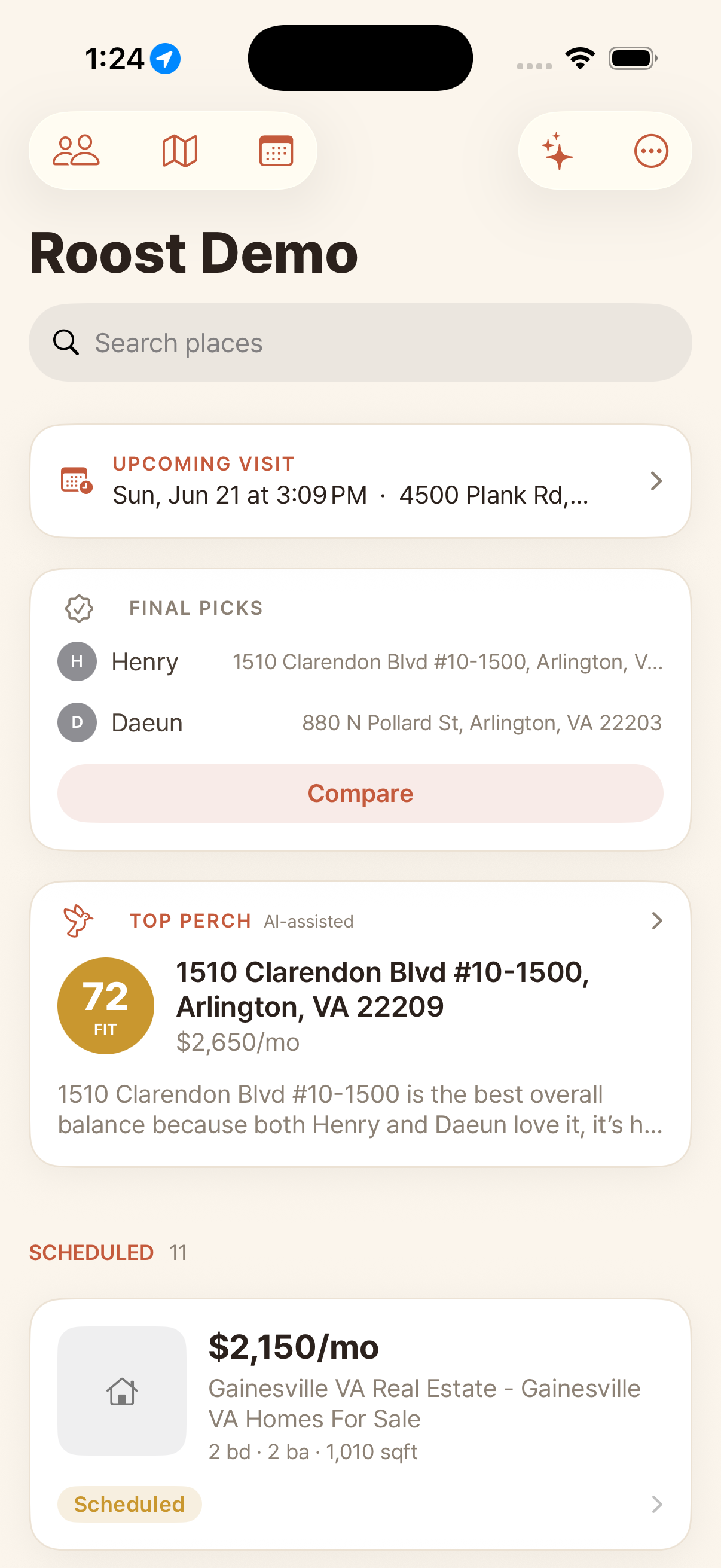
Start a new search, or join your partner's by entering their invite code. Everyone in a search shares the same places and decisions. Your shared home looks like this.
4
Set your home address
Open Profile and add your home address. Roost uses it as the starting point for tour drive-times. Each person uses their own.